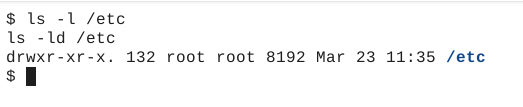
Editing the Current Line (vim)
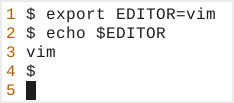
First let’s make certain that either the variable VISUAL or EDITOR is set to vim. To make things simple we are just going to set the variable EDITOR to vim (export EDITOR=vim) and then test to make certain the change was applied (echo $EDITOR).
We are going to edit the command line command ls -l /etc using Readline. Notice, when vim opens the cursor is positioned on the first character of the line.
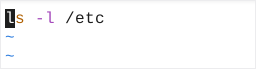
Enter command mode by selecting the ESC key. Then use the f key to start a forward search and then the letter l to move the cursor to the letter l.
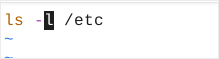
Let’s use the cw (change word) key sequence to remove the l.
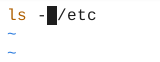
Enter the characters ld.
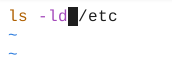
After editing the command line use the key sequence ESC : wq or ESC ZZ to write the changes to the temporary file created by Readline and quit vim. Readline automatically imports the file’s contents into the command line buffer and if the file ended with a LF (line feed) executes the command.